
Centralize every government-issued license and permit record across all your locations into one tracked system, then run a baseline audit within 72 hours. That single directive prevents the forced closures, late fees, and M&A delays that decentralized tracking consistently produces.
Start here, right now:
- Pull every license and permit document from every location, physical or digital, into one folder or shared drive.
- Log the following for each: license type, issuing authority, license number, expiration date, filing method, and the primary contact at that authority.
- Assign a named compliance owner for each location. If no one owns it, no one renews it.
- Check every site for active enforcement notices or recent closure orders before anything else.
Pro Tip: Set a 90-day rolling calendar alert for every expiration date you log. Even a basic shared calendar beats a local spreadsheet that only one person can see.
Table of Contents
- Which licenses and permits do multi-location businesses need to track?
- What business events trigger new licensing obligations?
- How do you audit existing licenses and build a baseline inventory?
- When should you move off spreadsheets for license tracking?
- What does a realistic implementation timeline look like?
- What does noncompliance actually cost, and what's the ROI of fixing it?
- Key Takeaways
- The part most compliance programs get wrong
- Vaultedai: centralized permit management built for multi-location teams
- Authoritative sources and references
Which licenses and permits do multi-location businesses need to track?
Every multi-location operator should expect to track at least eight categories of government-issued licenses and permits. Requirements shift by product mix, jurisdiction, and entity structure, so treat this as a floor, not a ceiling.
| License Category | Common Issuing Authority | Typical Renewal Cadence | Key Data Fields |
|---|---|---|---|
| General business/operating license | City or county clerk | Annual | License number, entity name, expiration |
| Health/food service permit | County health department | Annual or biannual | Inspection date, permit class, inspector contact |
| Liquor license | State ABC board | Annual | License tier, premises address, bond on file |
| Tobacco/vape retail permit | State revenue or health dept. | Annual | Product categories covered, age-verification log |
| Sales tax permit | State department of revenue | Varies (often no expiry, but requires updates) | Registration number, nexus states |
| Weights and measures | County agriculture/commerce | Annual | Device serial numbers, calibration records |
| Certificate of occupancy | City/county building dept. | Tied to occupancy changes | Permitted use, max occupancy, fire marshal sign-off |
| Hazardous materials/environmental | EPA, state environmental agency | Annual to biennial | Material inventory, spill plan reference |
| Professional/contractor licenses | State licensing board | Biennial | License holder name, CE requirements |
Requirements change when you add regulated product lines. A convenience store that starts selling prepared food needs a health permit it didn't need before. A smoke shop adding CBD products may trigger state-specific hemp retail registration. Managing state and local permits simultaneously requires treating each location as its own compliance entity.
Several categories commonly require fingerprints, background checks, or surety bond filings: liquor licenses, tobacco dealer permits, lottery retailer authorizations, and certain professional licenses. Build those lead times into your renewal calendar, because background check processing alone can add 30–60 days.

What business events trigger new licensing obligations?
Specific business events create new permit and license obligations. Treat each one as a trigger to run an immediate jurisdictional check before the event closes or the location opens.
- Menu or service changes: A restaurant adding alcohol service or a salon adding medical-grade treatments triggers new permit categories. Sector-specific permit requirements vary significantly by service type.
Pro Tip: Assign the trigger checklist to one person in corporate operations, not the local site manager. Gate every new opening with a signed permit-verification sign-off before the ribbon cutting.
How do you audit existing licenses and build a baseline inventory?
Run a location-by-location audit using a fixed data schema to create an authoritative baseline. Every field below should be populated before you consider the audit complete.
| Field | Description |
|---|---|
| License ID | Internal unique identifier |
| Location ID | Ties to your store/site master list |
| Legal entity | The exact registered entity holding the license |
| License type | Category from the table above |
| Issuing authority | Name and URL of the issuing body |
| License number | As printed on the document |
| Issue date | Original grant date |
| Expiration date | Hard deadline for renewal |
| Renewal window | Days before expiry when filing opens |
| Filing method | Online portal, mail, in-person |
| Fee and payment history | Amount paid, payment date, receipt number |
| Stored documents | Link to scanned application, approval, bond |
| Compliance owner | Named individual responsible |
| Last verified date | When the record was confirmed with the issuing authority |
| Enforcement notes | Any notices, violations, or open items |
Audit steps:
- Pull source documents from every location, including paper files, email confirmations, and portal downloads.
- Verify each license directly with the issuing authority's online lookup or by phone. Do not rely solely on the document in hand.
- Confirm payment and capture the receipt or payment confirmation as a stored document.
- Flag every gap: missing licenses, expired licenses, and licenses held under the wrong legal entity.
- Import the completed schema into a central tool. A permit renewal workflow guide can help you structure the ongoing process after the baseline is set.
A complete audit record includes not just dates and numbers but issuance PDFs, payment receipts, bond filings, enforcement notices, and a verified issuing-authority URL. That provenance matters during regulatory audits and M&A due diligence.
When should you move off spreadsheets for license tracking?
Spreadsheets work at very small scale. Once you manage more than 10 locations or 30 active licenses, the error rate from manual entry and missed reminders outpaces any cost savings from avoiding software.
Spreadsheet limits:
- No automated renewal reminders tied to expiration dates.
- No audit trail showing who changed a record and when.
- No document storage linked to each license record.
- Version conflicts when multiple people edit simultaneously.
What to require from a license management platform:
- Jurisdiction-aware rule engine that maps permit requirements to each location's state, county, and city.
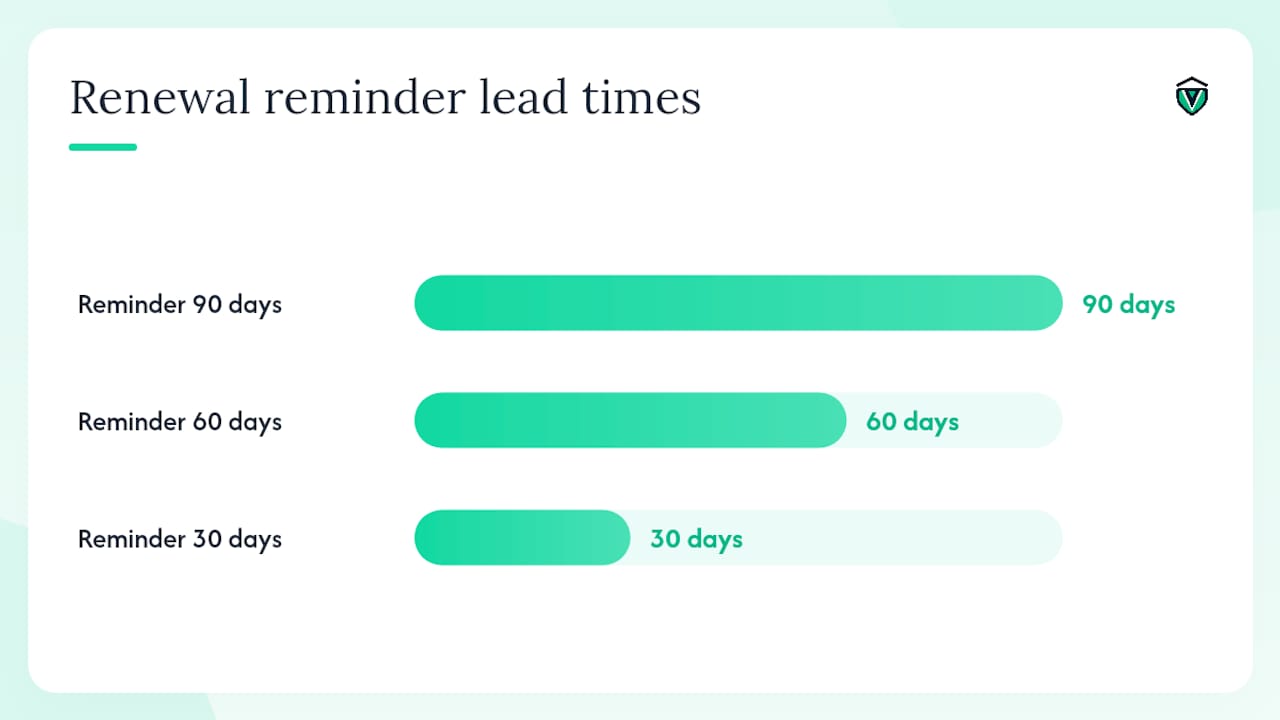
- Automated renewal reminders with configurable lead times (90, 60, 30 days).
- Document OCR and data extraction to pull license numbers and expiration dates from uploaded PDFs.
- Role-based access so local managers see only their sites.
- Full audit trail with timestamped change logs.
- Bulk filing support for high-volume renewal cycles.
- Integrations with HR, POS, and ERP systems.
- Secure cloud and mobile access for field managers.
Decision triggers for moving to automation:
- More than 10 locations or 30 active licenses.
- Any license lapse in the past 12 months.
- Upcoming M&A or rapid expansion.
- Compliance team spending more than 10 hours per week on manual renewal tracking.
Pro Tip: Ask any vendor for a sample audit report before you sign. If they can't show you a timestamped change log and a per-location compliance status dashboard, the platform won't hold up under regulatory scrutiny.
What does a realistic implementation timeline look like?
Pilot a small, representative subset of sites, validate workflows and integrations, then scale in quarters. Trying to roll out enterprise-wide in week one guarantees data quality problems.
- Weeks 0–4 (Baseline audit): Select 3–10 locations that represent your major jurisdiction and product-mix variations. Complete the full audit schema for each. Identify every gap, expired license, and missing document.
- Weeks 4–8 (Pilot remediation): Remediate gaps at pilot sites. Test automated renewal workflows and document storage. Train local managers on their role in the new process.
- Quarter 2 (Expand to 25–50% of sites): Apply lessons from the pilot. Refine the rule packs and naming conventions. Confirm integrations with HR or POS systems are pulling accurate location data.
- Quarter 3 (Enterprise rollout): Extend to all remaining locations. Establish monthly KPI reporting to leadership.
KPIs to track from day one:
- Percentage of locations with fully verified, current licenses.
- Number of expired or missing licenses in the system.
- Average days-to-renew from reminder trigger to confirmed filing.
- Reduction in late fees and penalty payments quarter-over-quarter.
- Staff hours saved per renewal cycle.
Brands that invest in compliance architecture pay far less to remediate failures than those relying on reactive fixes, as FieldPie's franchise compliance research confirms. Prevention is measurably cheaper than remediation, and a phased rollout is the fastest path to a defensible compliance posture.
What does noncompliance actually cost, and what's the ROI of fixing it?
Centralization typically pays for itself by reducing fines, closures, and the staff hours spent chasing renewals. The cost of a single forced closure at a high-volume location often exceeds an annual software subscription many times over.
Cost drivers of decentralized license management:
- Internal labor: compliance staff manually tracking renewals, chasing documents, and correcting errors.
- Late fees and penalty assessments on expired permits.
- External filing vendors hired reactively when deadlines are missed.
- Forced closure revenue loss, even a single day at a busy restaurant or convenience store.
- M&A delays when due diligence uncovers unverified or missing licenses.
- Insurance denial or policy voidance tied to permit lapses.
| Cost Category | Decentralized (reactive) | Centralized (proactive) |
|---|---|---|
| Internal labor (compliance staff) | High: manual tracking, frequent errors | Lower: automated reminders, clear ownership |
| Late fees and penalties | Recurring: missed deadlines | Minimal: advance reminders eliminate most lapses |
| Forced closure risk | Present: undetected lapses | Reduced: verified records and renewal alerts |
| M&A due diligence | Slow and costly: incomplete records | Fast: unified, auditable database |
| External filing vendor costs | Reactive and premium-priced | Planned and lower-cost |
An operator managing multiple locations handles numerous active permit records. Missing renewals on a small fraction of those licenses, with even moderate penalties, can add up quickly, before factoring in any closure risk. A SaaS platform that eliminates most of those lapses pays for itself in the first quarter.
Key Takeaways
Multi-location businesses that centralize license and permit records, assign clear ownership, and automate renewal workflows eliminate the majority of compliance lapses before they become operational or financial crises.
| Point | Details |
|---|---|
| Run a baseline audit immediately | Log license type, issuing authority, number, expiration, and owner for every location promptly, starting within the first week. |
| Treat each location as its own compliance entity | Two stores in the same ZIP code can fall under different jurisdictions with different permit requirements. |
| Automate before you scale | Spreadsheets fail past 10 locations; require a jurisdiction-aware rule engine, document OCR, and audit trails from any platform. |
| Prevention beats remediation | Brands with proactive compliance architecture pay far less to fix failures than those relying on reactive fixes. |
| Vaultedai centralizes the whole process | Vaultedai's platform tracks permits, automates renewal reminders, and stores filings securely across all locations. |
The part most compliance programs get wrong
Most multi-location operators treat license management as an administrative task and assign it to whoever is least busy. That's the root cause of nearly every lapse I've seen analyzed in compliance case studies and industry post-mortems.
The pattern is consistent: a business opens new locations quickly, each site manager handles their own permits, and no one at corporate has a complete picture. Then a health department visit or a liquor board audit surfaces a lapse that's been sitting unnoticed for months. The fine is the least of it. The reputational damage, the operational scramble, and the M&A friction when a buyer's counsel pulls the license records are far more expensive.
What actually works is boring and unglamorous: a named owner, a fixed schema, and a system that sends reminders before anyone has to remember. The technology matters less than the governance. A well-configured platform with clear role assignments will outperform a sophisticated tool with no one accountable for the data.
The businesses that get this right don't treat compliance as a cost center. They treat it as infrastructure, the same way they treat their POS system or their payroll platform. When you frame it that way to leadership, the budget conversation gets much easier.
Vaultedai: centralized permit management built for multi-location teams
Running permits and licenses across dozens of locations shouldn't require a dedicated spreadsheet wrangler and a calendar full of manual reminders. Vaultedai was built specifically for operators who've outgrown that approach.
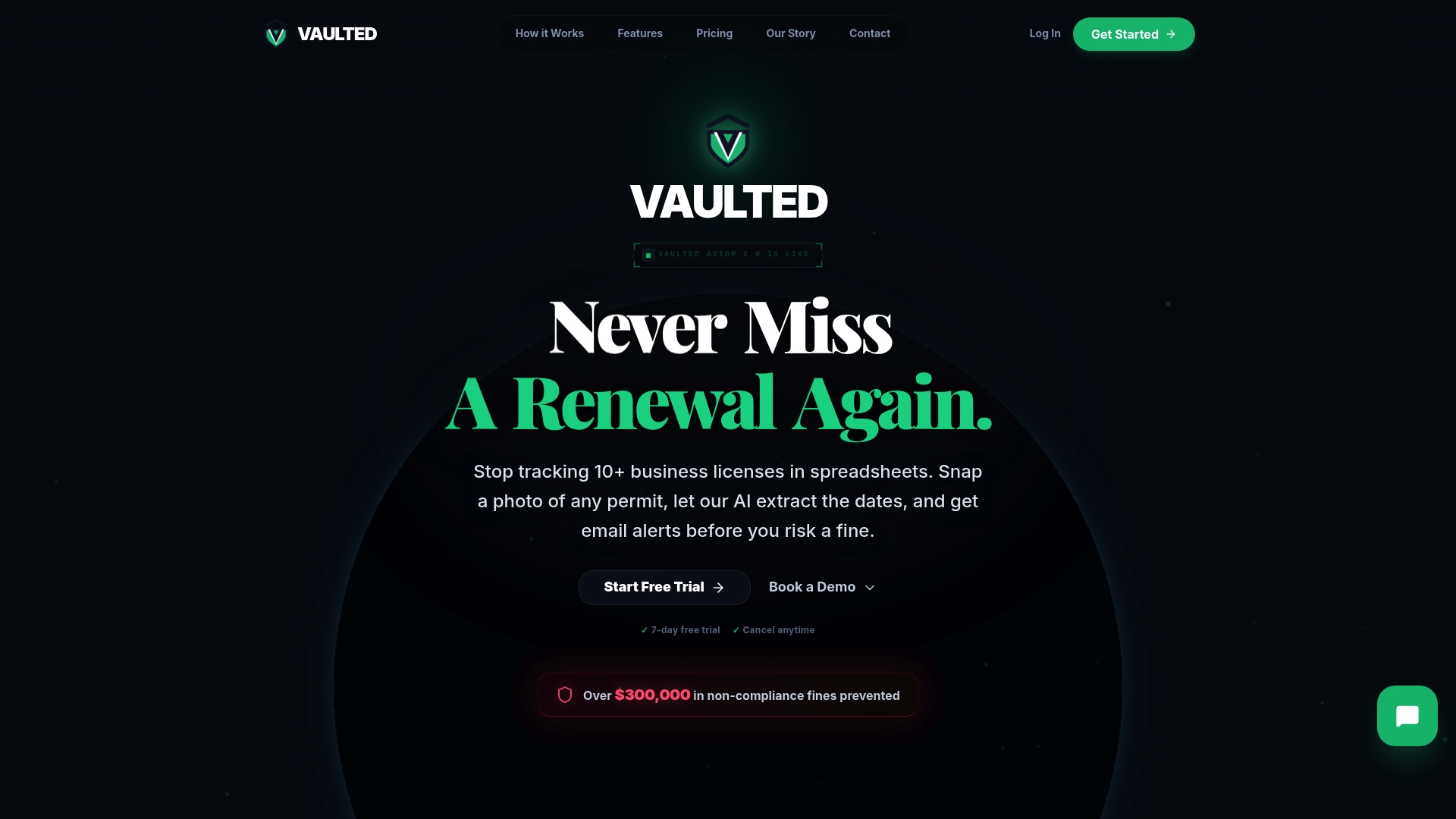
The platform centralizes every license and permit record across all your locations, automates renewal reminders at configurable lead times, and stores filings with full audit trails. AI-powered document extraction pulls license numbers and expiration dates directly from uploaded PDFs, cutting data entry time significantly. Role-based access means your regional managers see their sites, your corporate compliance owner sees everything, and your local teams aren't buried in records that don't apply to them.
Vaultedai also supports jurisdiction-aware compliance checklists, so each location gets the permit requirements that actually apply to it, not a generic national list. For franchise groups, restaurant operators, convenience store chains, and smoke shop groups scaling into new markets, that per-location precision is what separates a clean audit from a costly one.
Start your free trial or use the permit checker tool to identify what your locations need right now.
Authoritative sources and references
- The real cost of license management gaps | Mohr Partners
- Multi-Location Compliance — Track 10+ Sites Easily | FileFlo
- Franchise compliance management for multi-location brands | FieldPie
- How to manage compliance training across multiple locations | Coggno