

Centralizing permit and compliance management across multiple locations or projects is complicated by siloed spreadsheets, manual tracking, and scattered alerts. Most platforms require custom quotes or sales calls for pricing and often limit integrations, onboarding speed, or automated workflows for teams outside standard construction or development workflows. This comparison details features, coverage, and integration support across six permit and compliance management tools so you can pick one that matches your jurisdiction scope, operational scale, and workflow needs.
Table of Contents
- Vaultedai
- PermitPortal
- InstaPermit
- TurboPermit
- Billy Construction Compliance Platform
- Jones
- Comparing Permit and Compliance Management Platforms
Vaultedai
At a Glance
Multiple core pages on the vendor site return errors or show missing content, preventing verification of features, pricing, and use cases. The site’s current state means this review relies on the company description and other available notes rather than a full product tour.
Core Features
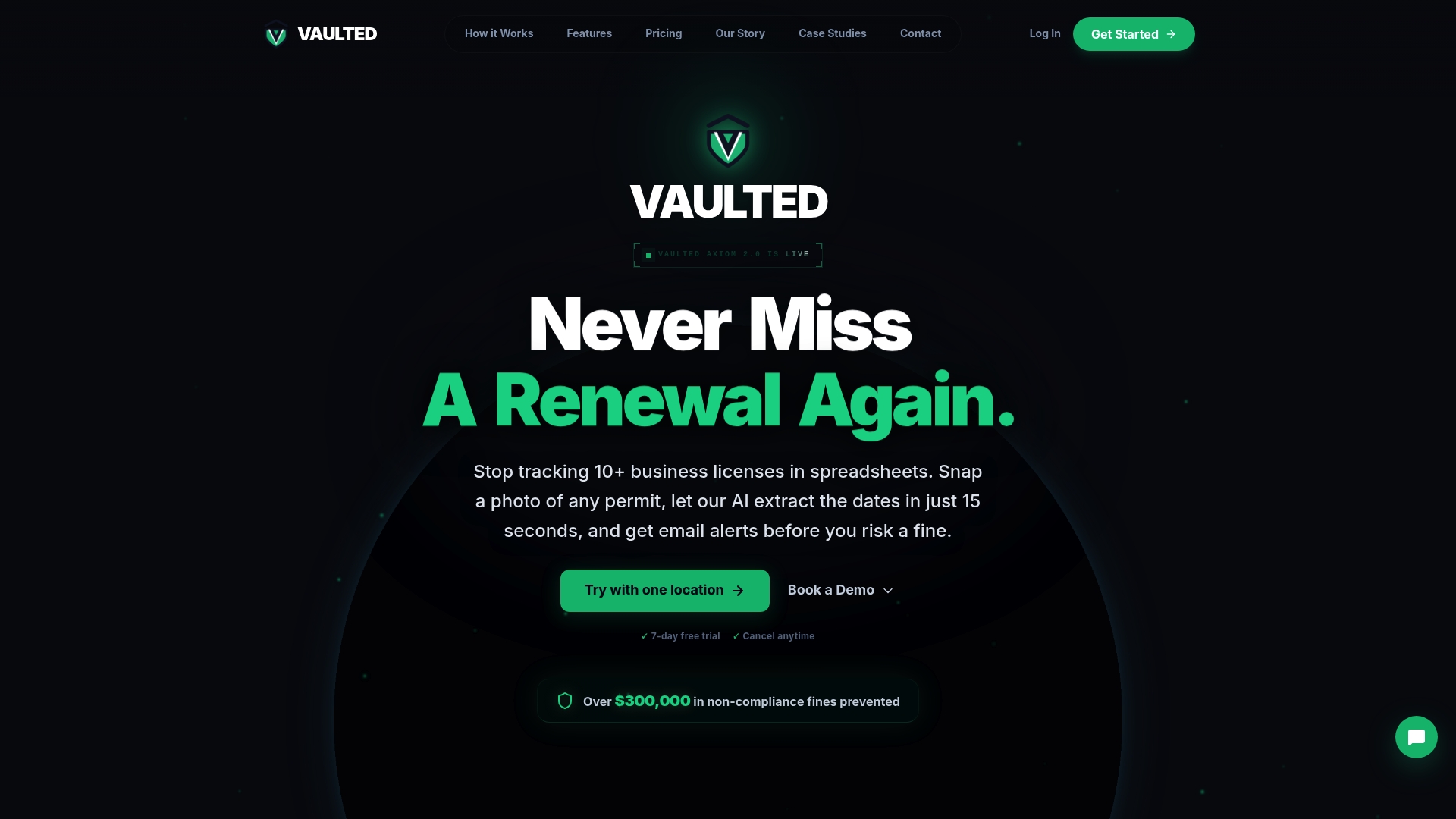
Vaultedai is described as a modern compliance and permit management platform built for multi-location businesses. The platform aims to centralize permits, licenses, renewals, and compliance documents across all locations in one place to improve visibility as businesses scale.
Vaultedai also emphasizes fast onboarding, simple workflows, and operational clarity for operators such as smoke shop groups, restaurant operators, convenience stores, franchises, and other multi-location teams.
Key Differentiator
The standout angle reported is the focus on businesses that have outgrown spreadsheets and manual tracking across sites. Vaultedai frames itself around centralizing location-specific compliance records so regional managers can see renewals, expirations, and documents in one view.
Pros
-
Centralization reduces the need to reconcile spreadsheets across locations. That single repository model helps reduce gaps that happen when each store keeps its own files.
-
Fast onboarding is a stated priority, which matters when you are rolling the tool out to dozens of locations and need a short time to value.
-
The product description targets multi-location retail and franchise operators. That vertical focus makes the feature set easier to map to real operational tasks.
-
The platform is positioned to track renewals and deadlines in one place rather than scattering alerts across managers and email chains.
Cons
- Website not accessible, so core product details, screenshots, and pricing cannot be validated from the live site.
Who It's For
Operators that run multiple bricks and mortar locations and have moved beyond spreadsheets for permit and license tracking. Examples include franchise groups, convenience store chains, restaurant groups, and specialty retail operators managing many locations.
If you are evaluating solutions now, plan to contact the vendor directly for a demo because the public site is not providing full information.
Unique Value Proposition
Centralizing permits, licenses, renewals, and compliance documents across all locations in one place is the concrete capability that Vaultedai emphasizes. That single view reduces administrative overhead that comes from stitching together local files and calendar reminders.
Real World Use Case
A franchise with 20 locations would use Vaultedai to move each store’s permit files into one repository, assign renewal responsibilities to local managers, and publish centralized reminders for expiring licenses. The platform’s onboarding focus aims to make that roll out quicker than rebuilding spreadsheets.
Pricing
Pricing information is not available on the site at this time. The product record for this review lists pricing as not applicable and informational only. Contact Vaultedai directly for current plans and any pilot or rollout offers.
Website: https://vaultedai.app
PermitPortal
At a Glance
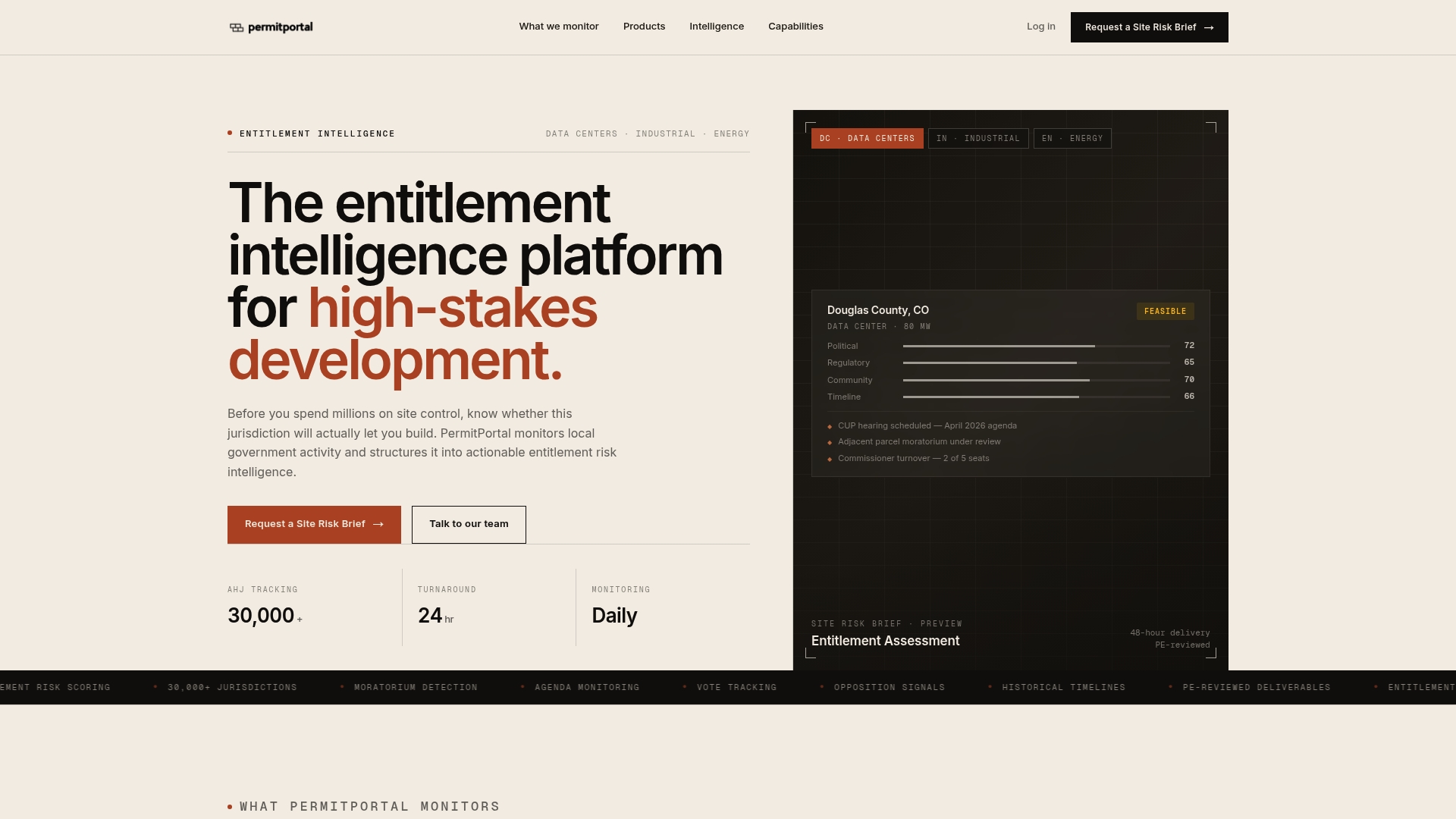
PermitPortal's marketing materials state it maps and scores local government activity across more than 30,000 jurisdictions and links those signals to approval path modeling. That jurisdiction count underpins the platform's continuous monitoring and scenario analysis for large development projects.
Core Features
- AHJ tracking and scoring across 30,000 plus jurisdictions, with structured risk signals by local authority.
- 48-hour entitlement assessment reports that deliver risk scores and approval path maps for quick site triage.
- Continuous jurisdiction monitoring of votes, moratoria, opposition, and legislative signals for active projects.
- Scenario analysis to compare approval paths and optimize permit schedules before committing capital.
- Parcel screening and feasibility with GIS overlays and full lifecycle support from site selection to post approval conditions.
Key Differentiator
The platform ties jurisdiction intelligence to project workflows at scale. By combining that jurisdiction count above with approval path mapping and scenario modeling, PermitPortal claims it surfaces permit risk earlier than manual research and standard GIS lookups.
Pros
- Provides structured, data driven intelligence that helps you evaluate local government behavior before a site purchase. That early visibility lowers speculative risk when you are sizing investment options.
- Continuous monitoring reduces surprise events such as sudden moratoria or vocal opposition by flagging votes and legislative moves as they occur.
- Detailed approval path and timeline analysis gives permit managers a defensible schedule to present to executives and lenders.
- Supports multiple asset classes including data centers, industrial, energy, and commercial developments so teams can reuse workflows across portfolios.
- The 48 hour assessment reports accelerate initial screening and let you pass on poor fits faster than traditional due diligence.
Cons
- Public third party reviews and qualitative user feedback are not provided in the data, so real world experience reports are limited.
- The platform's complexity and narrow focus mean onboarding will likely require internal subject matter expertise or external support.
- Organizations with minimal local government engagement or single market projects may not see enough return to justify platform effort.
Who It's For
Large scale development teams, site selectors, permit managers, and legal or regulatory advisors running multi jurisdiction portfolios. It fits teams that need early, data driven jurisdiction risk signals to influence site selection and capital allocation decisions.
Real World Use Case
A data center developer tests three candidate markets with PermitPortal assessment reports. The team identifies a market with lower opposition risk and clearer approval paths and moves the site acquisition forward with a shorter contingent period and clearer mitigation actions.
Pricing
Not applicable. The product data labels pricing as informational only, so financing and commercial terms are available directly from the vendor during procurement.
Website: https://permitportalapp.com
InstaPermit
At a Glance
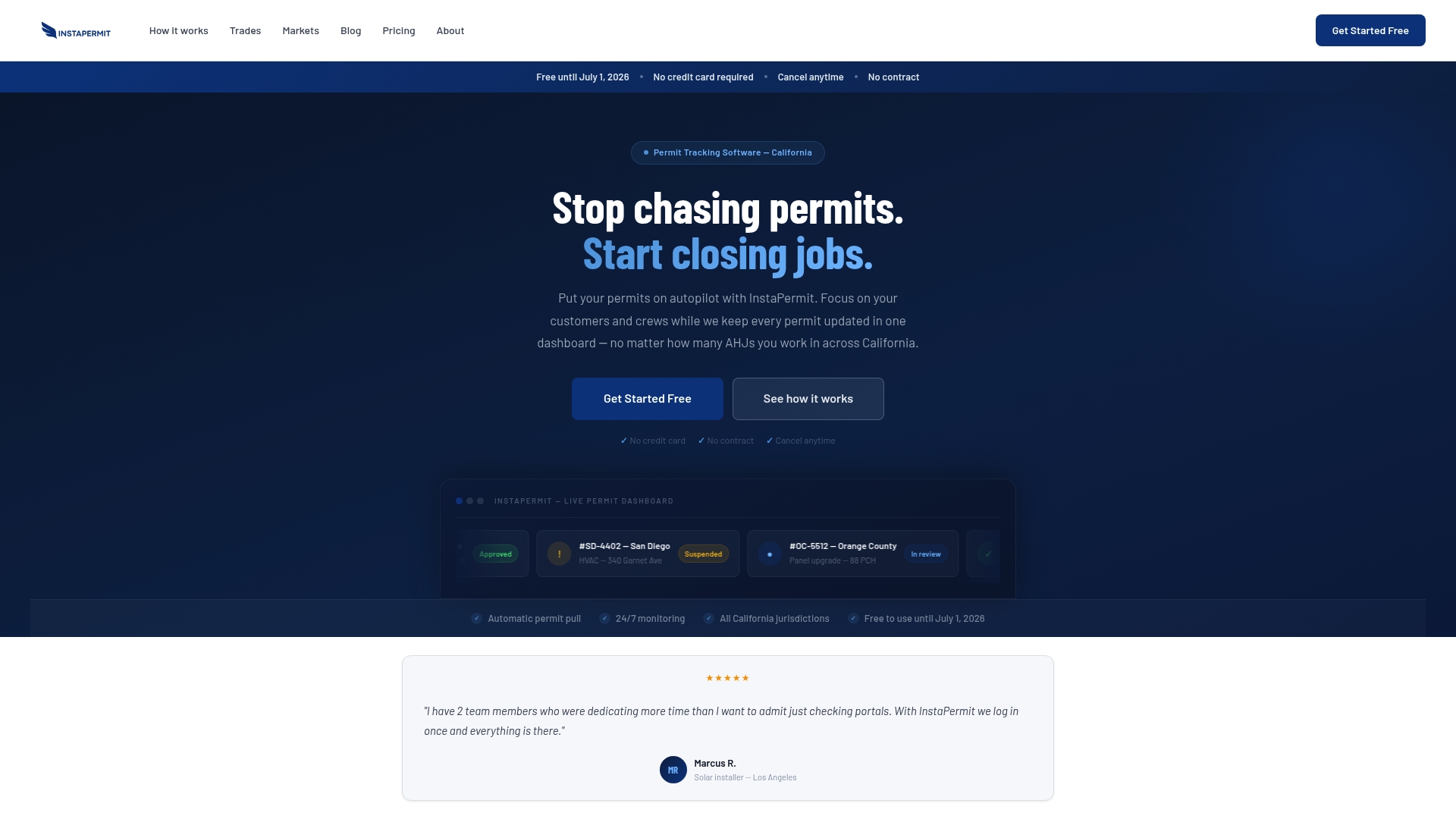
Free until July 1, 2026 with no credit card required — InstaPermit targets California contractors who run high permit volumes across many jurisdictions. The vendor advertises automatic permit pulls, 24/7 monitoring, and a single dashboard that shows real-time status across Los Angeles, San Diego, the Bay Area, and more.
Core Features
- Automatic permit pulling from government portals so you do not type permit numbers manually.
- Real-time status updates delivered to a centralized dashboard accessible on desktop and mobile.
- Supports multiple permit types used by solar, electrical, HVAC, and plumbing trades.
- Continuous monitoring across California jurisdictions including Los Angeles, Orange County, Sacramento, Fresno, and the Central Valley.
- No manual entry of permit numbers required; the system detects changes and surfaces them in one place.
Key Differentiator
InstaPermit focuses narrowly on California permit work and removes the need to check dozens of municipal portals every day. That single focus lets it automate pulls and alerts across many local systems, turning dispersed portal checks into a single operations view for field crews and office managers.
Pros
- Automates permit tracking, which reduces repetitive work and lowers the chance of missed updates for crews juggling multiple jobs.
- Statewide coverage in California is central to the product; it supports major metro areas and many county portals out of the box.
- Real-time updates keep project managers informed immediately when a status changes, cutting lag between discovery and action.
- No cost to begin using through mid-2026 makes it low risk to pilot on a subset of projects and measure time saved.
- Sign-up requires no credit card, so teams can test the dashboard without procurement delays.
Cons
- There are no substantive third-party reviews available; most public feedback appears in the vendor's marketing materials.
- The vendor does not publish a detailed integration list, so built-in connections to construction management or ERP tools are unclear.
- Feature detail from independent users is limited, making apples-to-apples comparisons with other permit tools harder.
When It May Not Fit
If your projects span states beyond California, InstaPermit will not cover them today. The product currently targets California jurisdictions only and the vendor notes supported permit types and cities are still expanding.
If you need deep integrations with a specific construction management system, the lack of documented integrations could require manual work or custom exports.
Who It's For
California-based solar, electrical, HVAC, and plumbing contractors handling many permits across cities and counties. Particularly useful for teams that manage permits across several offices or run parallel projects in Los Angeles, San Diego, Orange County, and the Bay Area.
Real World Use Case
The vendor's materials state a Los Angeles solar contractor reduced permit monitoring time by over 80% after centralizing permit checks in InstaPermit. That faster detection of status changes helped the contractor react sooner to corrections and kept crews from waiting on delayed inspections.
Pricing
Free to use until July 1, 2026. Future pricing is to be announced; the vendor says pilot pricing for early adopters will lock in Starter, Professional, and Business plan tiers billed monthly.
Website: https://instapermit.com
TurboPermit
At a Glance
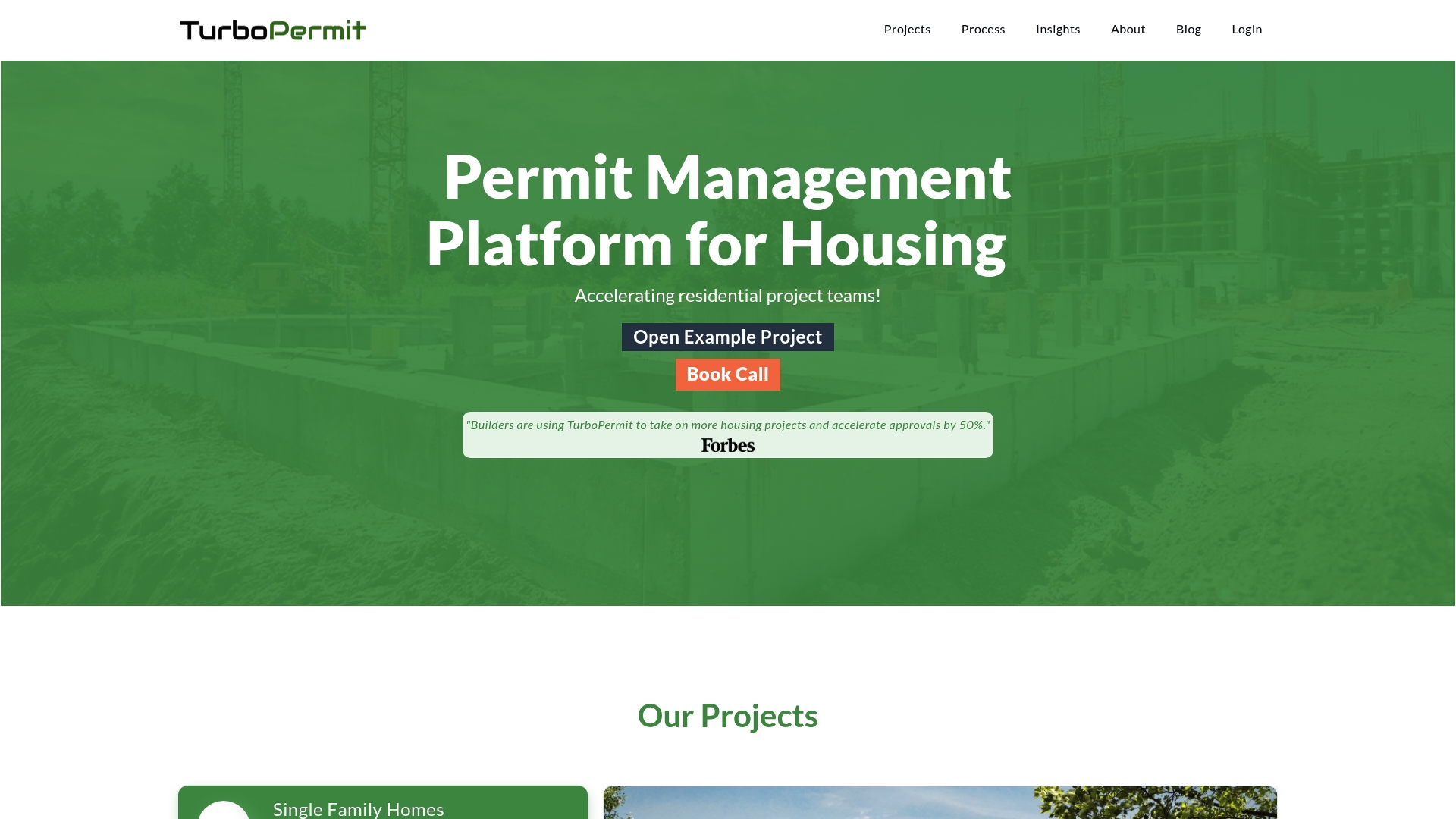
The platform highlights an AI Plan PreCheck that aims to reduce design corrections and speed approvals for housing permits. That claim defines TurboPermit’s approach: use automated checks and digital workflows to compress review cycles and lower rework for residential projects.
Core Features
-
AI Plan PreCheck for early error detection in uploaded designs, intended to cut back-and-forth with reviewers.
-
Automation and workflow tools that route permit steps, assign tasks, and record approvals across project phases.
-
Digital forms, signatures, and payments to replace paper submissions and centralize transactional activity.
-
Team collaboration tools and organized project views so stakeholders share a single source of truth.
-
Status tracking across projects to monitor where an application sits in the approval pipeline.
Key Differentiator
TurboPermit’s selling point is the emphasis on automated plan validation before formal submission. The product positions the AI Plan PreCheck as the mechanism that catches common errors earlier, which the vendor argues reduces resubmissions and review time for housing permits.
Pros
-
Speeds typical residential permit workflows by introducing automated checks that identify common code or drawing issues before a reviewer spends time on them.
-
Supports a range of residential project types from single family homes to larger multifamily developments and accessory dwelling units, so the same workspace can manage mixed-portfolio projects.
-
Centralizes collaboration. Project teams can upload designs, collect signatures, and exchange comments without moving documents through email chains.
-
Replaces manual payment handling with digital payments linked to permit records, which reduces accounting friction during application processing.
Cons
-
Public documentation is sparse. The vendor provides a high level feature list but specific capabilities, limits, and integration partners are not detailed on the public site.
-
Independent user reviews and third party evaluations were not available in the source data, so real world reliability and support quality are unclear.
-
Pricing information is not published and the product entry lists pricing as informational only, which means you likely need a sales conversation to learn cost.
Who It Suits Best
Housing developers, project managers, and municipal teams focused on residential permitting will get the most from TurboPermit. It is built for groups that handle multiple project types and want fewer manual handoffs between design, plan review, and payments.
Real World Example
A multifamily development team uploads architectural sets to TurboPermit, runs the precheck to resolve flagged drawing issues, routes the corrected plans through defined workflows, and tracks status until approval. The process reduces missed comments and shortens iteration loops between architects and reviewers.
Pricing
The vendor lists pricing as "Not applicable — informational only" on the public product data. That implies no self-serve price table is available and you will likely need to contact TurboPermit for a custom quote.
Website: https://turbopermit.co
Billy Construction Compliance Platform
At a Glance
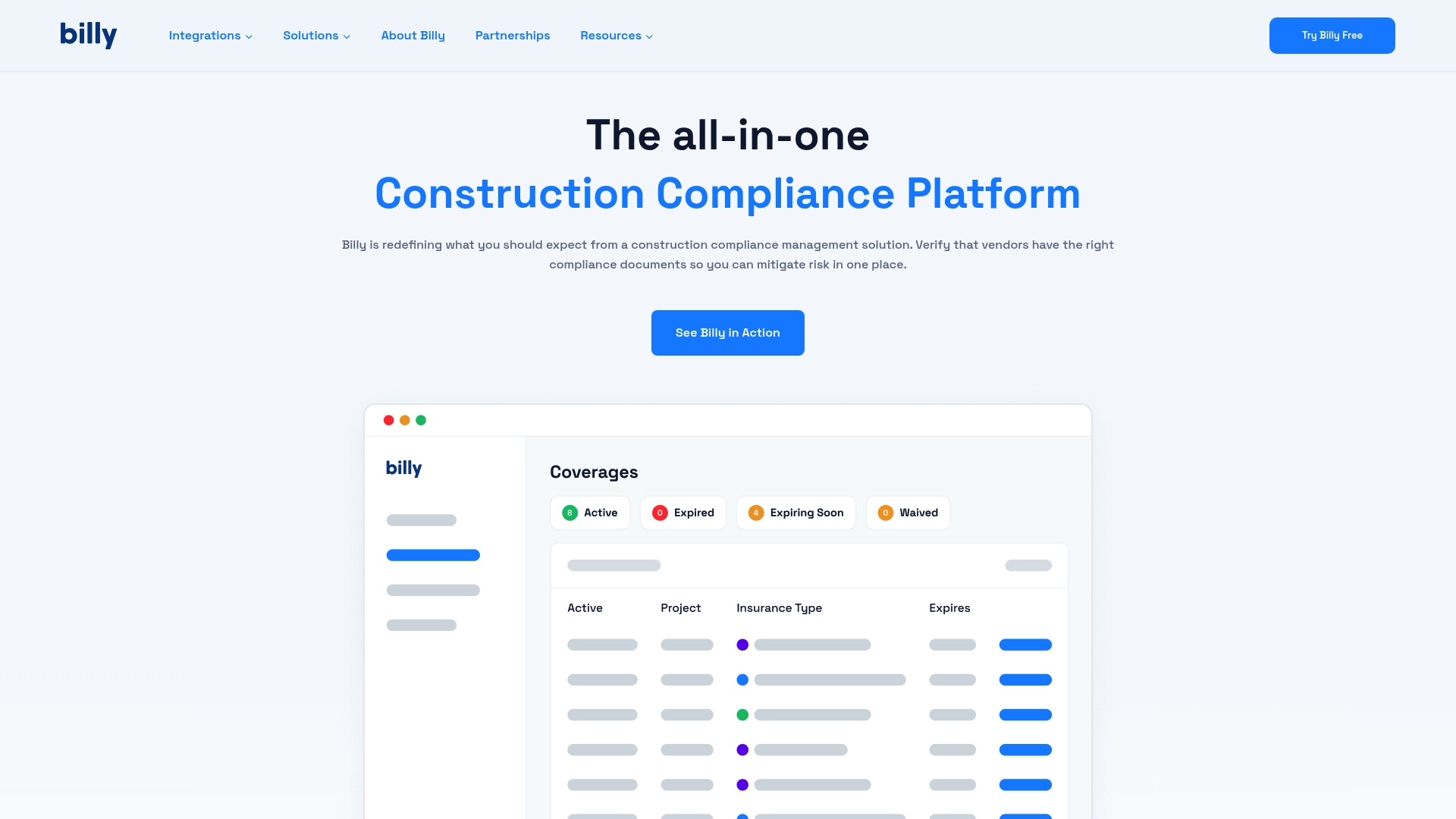
Optional managed services put a dedicated team of insurance professionals on the compliance burden, collecting and verifying documents on your behalf. Billy pairs that offering with integrations to Procore, Autodesk, Sage 300, and others to keep compliance tied to project systems.
Core Features
- Automated collection and verification: Captures COIs, W9s, licenses, and other vendor documents and verifies them automatically.
- Project and ERP integrations: Connects with Procore, Autodesk, Sage 300, Sage Intacct, JD Edwards, Viewpoint Vista, and CMiC to centralize records.
- Real-time dashboards: Live compliance status and analytics for all active projects and vendors.
- Automated renewals and alerts: Renewal requests and expiration warnings reduce manual follow up.
- Customizable workflows and templates: Construction-specific templates and workflow rules that map to common contract and insurance requirements.
Key Differentiator
Billy combines AI-assisted document verification with native connections to major construction platforms and an optional managed service staffed by insurance specialists. That mix lets construction teams move verification work into project systems and offload repetitive vendor outreach to trained professionals.
Pros
- Managed-service option cuts vendor chasing out of the field team’s day. For firms that prefer white-glove handling, the insurance professionals take on the follow up and validation.
- Integrations reduce duplicate data entry by keeping COIs and licensing records inside the tools project teams already use. That preserves context across schedules and budgets.
- Real-time compliance dashboards give a single place to spot expired coverage or missing certificates across locations and projects. Visibility shortens audit prep time.
- Automated renewal requests and expiration alerts decrease missed deadlines and late renewals, lowering risk for active projects.
- Customizable templates map to common construction contract clauses, making policy and licensing checks repeatable across vendors.
Cons
- Trustpilot reviews, as cited in the product data, report generally high satisfaction but the details of user pain points are limited in public records.
- Third-party review coverage is sparse; there is little independent reporting on long term usability or edge-case failures.
- Very specialized compliance workflows that fall outside standard construction norms may require custom work or manual handling.
When It May Not Fit
If your compliance needs deviate heavily from standard construction insurance and licensing patterns, Billy’s standard templates and integrations could add complexity. Projects that need highly bespoke verification logic or nonstandard document types may not map cleanly to the platform.
Notable Integrations
- Procore
- Autodesk
- Sage 300
- Sage Intacct
- Docusign
- JD Edwards
- Viewpoint Vista
- CMiC
Who It's For
Construction firms, general contractors, and project managers focused on reducing manual compliance work and keeping insurance and license documentation aligned with project systems. Teams that use one of the listed ERPs or PM platforms will get the most immediate value.
Real World Use Case
A large general contractor centralizes COI, W9, and license collection across dozens of active sites. Billy pulls vendor documents into the project system, flags expirations on the dashboard, and—when opted in—has the managed-service team chase missing items so field staff stop spending hours on follow up.
Pricing
Public pricing is not provided; the product data lists pricing as "Not applicable — informational only." Expect pricing to vary by deployment scale and whether you subscribe to managed services.
Website: https://billyforinsurance.com
Jones

At a Glance
Per-record annual billing includes unlimited COIs and lease extractions, a pricing model that shifts cost drivers away from user seats and onto document volume. Jones combines automated review with human experts to manage insurance verification at enterprise scale for Built World teams.
Core Features
Jones pairs AI-accelerated insurance document review with human verification to catch endorsements, exclusions, and nuanced policy language.
- Automated collection and renewal workflows that flag compliance gaps and trigger follow-up tasks.
- Vendor and tenant self-serve portal for secure uploads and two-way communication.
- Audit trail and reporting dashboards that centralize verification records and history for audits.
Key Differentiator
Jones blends machine parsing with expert judgment, so automation handles routine fields while humans validate edge cases. That hybrid model reduces false positives and speeds throughput, which matters when hundreds or thousands of certificates move through a single program.
Pros
-
Depth of verification. The hybrid review captures subtle items like additional insured endorsements and policy exclusions that pure OCR often misses.
-
Scales for volume. Jones is built to process large document sets quickly, reducing manual bottlenecks for big portfolios.
-
Bi-directional integrations reduce duplicate entry by syncing vendor profiles and compliance status with core systems.
-
Audit-ready records. The platform keeps a searchable trail of who reviewed what and when, strengthening defensibility for risk teams.
-
Flexible operations. You can run self-managed workflows or hand the work to Jones’ compliance concierge when you want an outsourced option.
Cons
-
The pricing model is per record, which may become expensive for very large portfolios depending on document churn.
-
Heavy reliance on integrations. Without systems like Procore or MRI, the full workflow benefits are reduced and manual steps persist.
-
Public-facing reviews did not list narrow product limitations, making it harder to assess feature gaps for specialty workflows.
When It May Not Fit
If your program processes only a handful of vendor certificates each month, enterprise-scale throughput capabilities will be wasted and unit pricing may look unfavorable.
If your organization does not use common construction or property systems, the integration-dependent workflow will require more manual uploads and reconciliation.
Notable Integrations
- Procore
- MRI
- Sage 300
- Viewpoint Vista
- Yardi Voyager
- Sage Intacct
- CMiC
Who It's For
Risk managers, compliance officers, property managers, and general contractors who handle large volumes of insurance documentation across projects and assets. Teams that already use construction or property platforms will see the clearest operational lift.
Real World Use Case
A construction firm integrated Jones with Procore to automate subcontractor insurance verification. The integration cut manual follow-up, improved renewal tracking, and kept compliance status visible on project records without extra headcount.
Pricing
Jones uses a per-record model billed annually and includes unlimited COIs and lease extractions under that arrangement. That approach favors programs where document volume and automation replace manual review costs.
Website: https://getjones.com
Comparing Permit and Compliance Management Platforms
Selecting the ideal permit and compliance management tool depends on your organization's goals, project scale, and industry. A deeper comparative analysis among key platforms highlights their strengths and limitations, offering a framework for informed decision-making.
Specialization and Workflow Efficiency
When evaluating specialization, VaultedAI emphasizes centralizing compliance records for multi-location retail and franchise businesses, which mitigates spreadsheet and email mismanagement. Conversely, PermitPortal demonstrates a data-driven approach to jurisdiction activity monitoring, excelling in risk anticipation for large-scale development projects. For example, PermitPortal identifies opposition signals early, preserving resource investment. This dimension reveals a key tradeoff: VaultedAI suits operators centralizing dispersed tasks, whereas PermitPortal benefits teams needing advanced jurisdiction analytics.
Regional Focus and Adaptability
InstaPermit specializes in California-based construction permits, excelling in jurisdictional intricacies while limiting utility beyond state borders. Its automated updates and ease of use make it an excellent temporary tool, particularly for teams new to automation, as it remains free until mid-2026. Conversely, Billy broadens its appeal with extensive integration of construction tools, streamlining compliance tasks within existing projects across broader regions. This dimension highlights the advantage of narrowly focused versus broadly adaptable systems based on regional operations.
Best Fit Recommendations
- VaultedAI: Recommended for multi-location operators transitioning from spreadsheets to a centralized compliance system, particularly those prioritizing rapid onboarding.
- PermitPortal: Suited to developers requiring jurisdictional intelligence to inform site selection and streamline regulatory workflows effectively.
- InstaPermit: A practical choice for California contractors managing high permit volumes and seeking a cost-effective entry point into digital tools targeting localized needs.
- Billy: Ideal for construction firms benefiting from integrations and automated compliance monitoring to optimize project administration.
Our Pick
For retail businesses managing compliance across numerous locations, VaultedAI provides a centralized repository to simplify oversight and document management. Its emphasis on efficient onboarding and operational clarity caters to domain-specific needs distinct from other platforms. However, for organizations requiring insights into multijurisdictional development risks, a tool like PermitPortal would be more strategically valuable.
Permit and Compliance Management Tools Comparison
This table compares various solutions to help users centralize and streamline their permit and compliance management processes, highlighting features and unique advantages.
| Product | Core Feature/Use Case | Key Differentiator | Best For | Notable Limitation | Pricing |
|---|---|---|---|---|---|
| Vaultedai | Compliance document centralization for franchises | Central visibility for permits and renewals | Multi-location retail and franchise operators | Website exhibits errors hindering verification | Not disclosed |
| PermitPortal | Local jurisdiction monitoring for developers | Early risk indication from jurisdiction intelligence | Large development teams handling multi-region portfolios | Complex onboarding requires external expertise | Not applicable |
| InstaPermit | Automatic permit pulling for California trades | Focused on repetitive task automation for contractors | California-based contractors managing high volumes | Limited to California jurisdictions only | Free until July 2026 |
| TurboPermit | Automated pre-check for housing permits | AI-enabled corrections for residential projects | Developers of single or multifamily residential projects | Sparse public documentation available | Not applicable |
| Billy Construction Compliance Platform | Auto-collect vendor compliance documents | Integrated with major construction management platforms | Construction firms centralizing compliance management | Highly specialized workflows may require manual setup | Not applicable |
| Jones | AI-assisted insurance review with human oversight | Scalable hybrid model for large portfolios | Risk managers in large compliance programs | Pricing model can be costly for high document volume | Per-record annual |
Simplify Compliance Management for Multi-Location Businesses
Managing compliance across multiple locations can feel overwhelming when relying on spreadsheets and manual tracking. As the article "Top 6 Compliable.com Alternatives for Compliance Management 2026" points out, businesses struggle with scattered permit files, missed renewal deadlines, and lack of operational clarity. Vaultedai offers a centralized compliance and permit management platform built specifically for growing multi-location teams like franchises, convenience stores, and restaurant groups.
Take control of your compliance by centralizing all permits, licenses, and renewal documents in one place. Visit Vaultedai to simplify operations and reduce the risk of missed deadlines. Contact Vaultedai now to explore fast onboarding and see how you can consolidate your compliance workflows effortlessly.
Frequently Asked Questions
What makes Vaultedai a suitable choice for multi-location compliance management?
Vaultedai excels in centralizing permits, licenses, renewals, and compliance documents in one place, which is essential for businesses managing multiple locations. Its focus on reducing manual tracking aligns perfectly with the needs of operators like restaurant groups and franchises. Reach out to Vaultedai for a demo to see these features in action.
How does Vaultedai compare to PermitPortal for jurisdiction tracking?
PermitPortal provides extensive AHJ tracking and scoring across over 30,000 jurisdictions, which enhances local government activity monitoring effectively. However, Vaultedai targets businesses that are scaling and specifically need to centralize compliance records across multiple locations. Consequently, if you're focused on multi-location management, Vaultedai's centralized approach may serve your needs better.
Which platform is better for fast onboarding: Vaultedai or InstaPermit?
Vaultedai emphasizes fast onboarding, making it an excellent choice when businesses need to roll out compliance solutions quickly across multiple locations. InstaPermit, while also user-friendly, focuses specifically on automated permit pulls in California and may not have the same level of onboarding efficiency for multi-location scenarios. Consider trying Vaultedai if rapid deployment is a priority for you.
Does Vaultedai support integrations with other project management tools?
The article does not specify whether Vaultedai integrates with other project management tools directly. However, given its focus on streamlining centralized compliance management, it may still be beneficial to explore its compatibility with existing systems in your business. Reaching out to Vaultedai’s sales team could clarify how well it fits into your current workflow.
What is the pricing structure for Vaultedai?
Currently, the pricing information for Vaultedai is not available on their website, requiring direct contact with the vendor for any details on plans. It’s essential to evaluate your needs with Vaultedai in mind, especially since they focus on faster deployment across multiple locations.